
The Privacy Card I Carry Everywhere

Guest post by Kryptosis.xyz
There’s a scene in almost every spy thriller you’ve ever seen. Some suave operative approaches a restricted entrance. Security guards step forward, hands raised. “You can’t go in there.”
The agent coolly removes his sunglasses, flips open a badge, says “FBI,” and walks right in. All without breaking their stride.
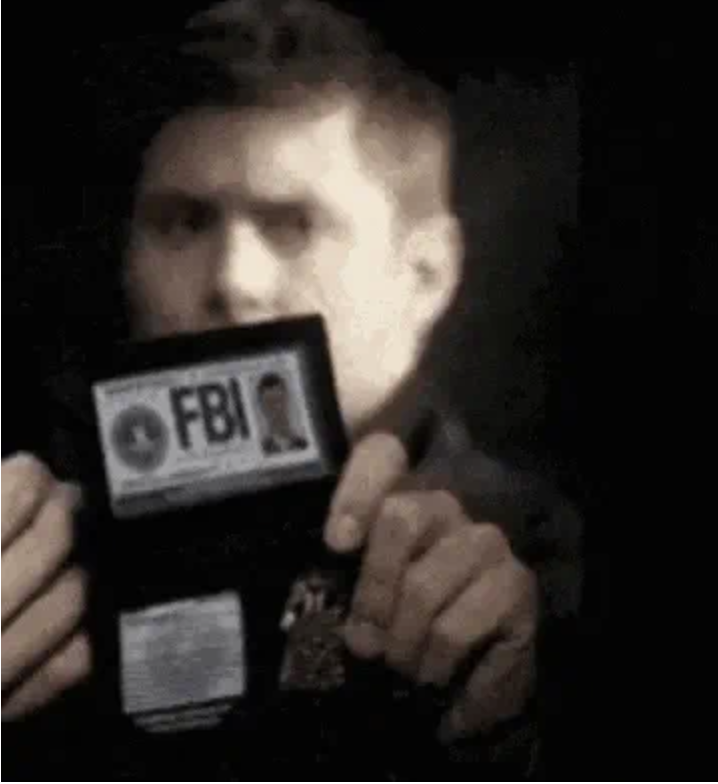
I always loved that move. The idea of carrying a single credential that instantly resets the power dynamic. I wanted something like that — but for privacy.
Turns out, it exists. And it fits in your wallet.
The Problem with Scanning Your ID
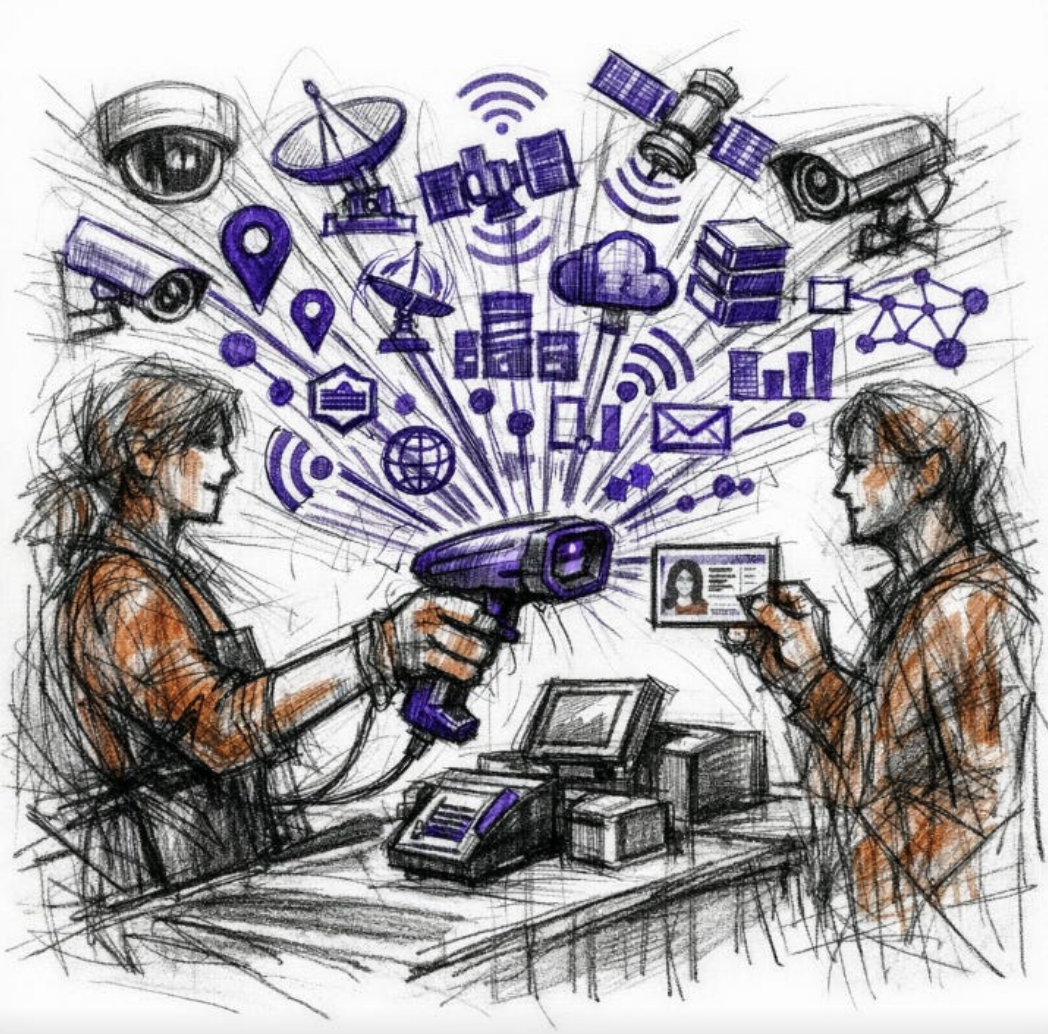
On a recent trip to my local grocery store I tried picking up some craft beer. The moment I scanned it at self-checkout, a red light fired signaling the store clerk to come over.
“Can I see your ID?”
I opened my wallet and showed him. “Oh, I need you to take it out — I have to scan it.”
I pushed back. “I’d rather you didn’t. Can you just type in my birthdate manually?”
He wouldn’t budge. “We have to scan it.”
I tried explaining my concern. Scanning a driver’s license doesn’t just confirm your age — it gives the system a complete text file containing everything on your license: full name, home address, date of birth, height, weight, eye color, organ donor status, endorsements, and so on. I’d like to believe the store’s system parses your birthdate, confirms you’re over 21, and discards the rest. But I have no way of knowing that. What if that data is stored? What if their system gets breached?
Nothing worked. The clerk didn’t budge, and I left without any beer.
The Solution: A Passport Card
Here’s where the FBI moment comes in.
If you’ve ever traveled internationally, you were required to have a passport book — that familiar large booklet of official government identification. What most people don’t know is that the U.S. State Department also issues passport cards: government ID the same size as a driver’s license, valid for travel within North America, and surprisingly useful for everyday privacy.
Put a passport card next to a driver’s license and the differences are immediately obvious. Where a driver’s license is loaded with personal data, a passport card has almost none of it. No address. No physical descriptors. Just a few pieces of identifying information like your name, photo, and date of birth.
That alone is a win. But my key concern was stores scanning and storing my information — and passport cards DO have barcodes. So was all of this for nothing?
Amazingly, no.
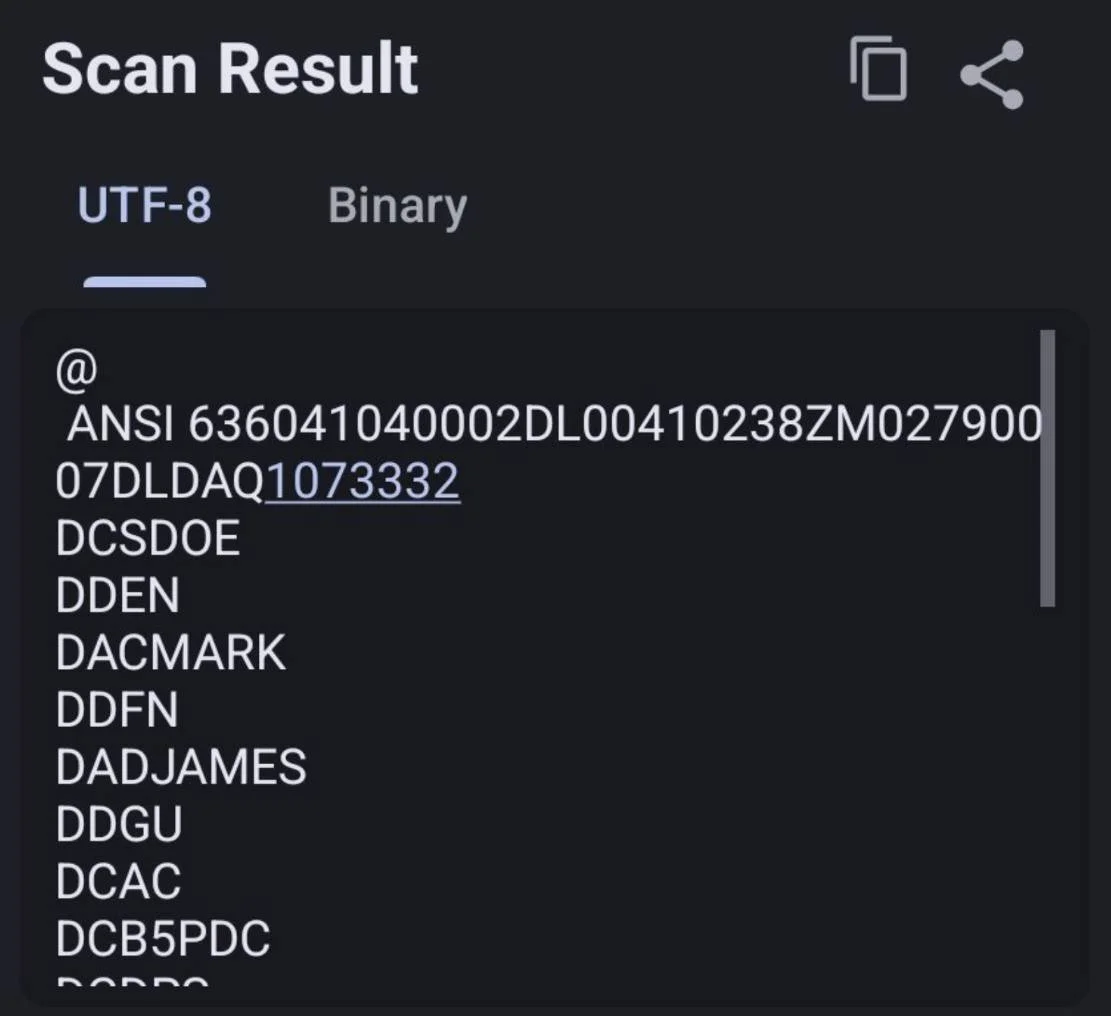
Driver’s licenses use a barcode format called PDF417, which retail scanners everywhere are capable of reading. Curious what a clerk actually pulls up when they scan yours? You can find out for yourself. The Secure Camera app, built into GrapheneOS and available for stock Android on the Google Play Store, reads many barcode formats including PDF417. Just point it at your own license and you’ll get a plain text readout of everything on it: name, address, date of birth, height, weight, eye color, organ donor status — all of it.
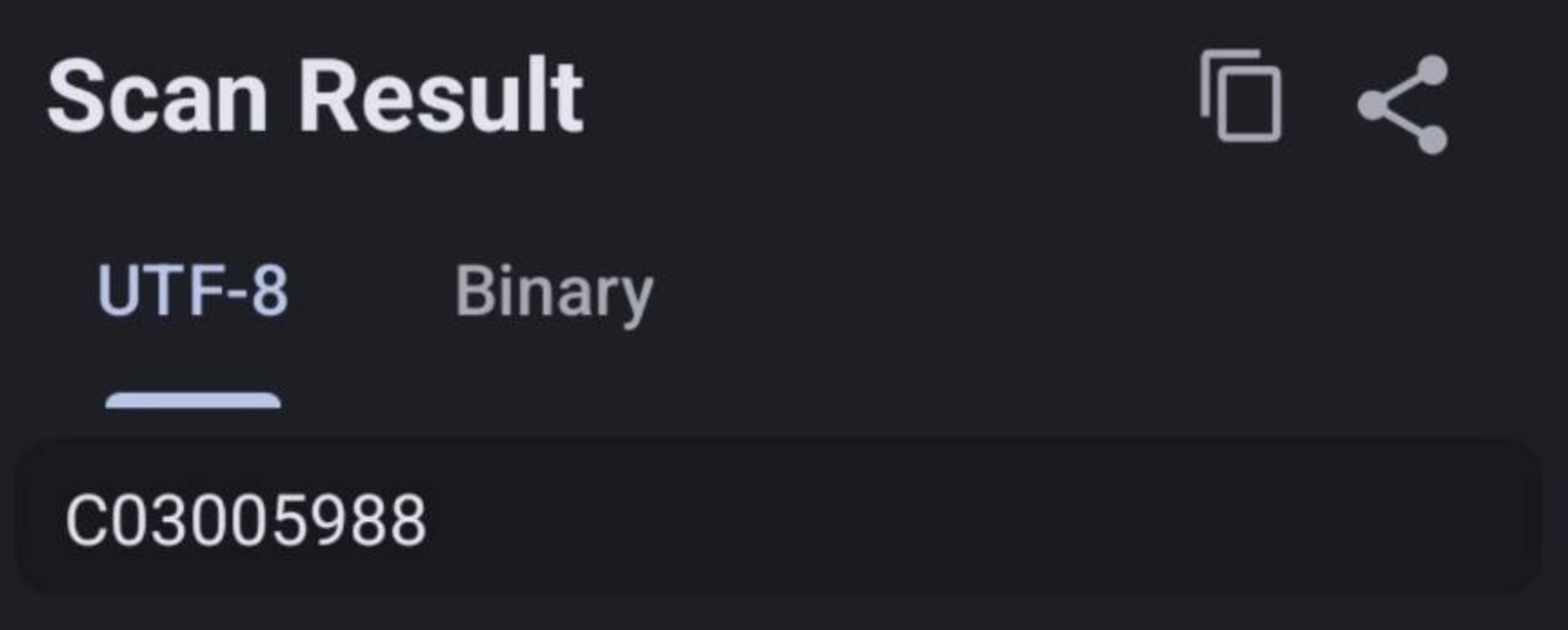
Passport cards use a completely different format called Code 39, which most retail scanners don’t even recognize. And on the off chance one does? All the scan returns is the card number. If you have a passport card, you can verify this for yourself with the same app to see the difference firsthand.
When I got my passport card, I quickly went back to that grocery store looking to test my new tool (and maybe hoping to cause some confusion). I grabbed the same six-pack and headed to the self-checkout. And almost as if scripted — the same clerk was there.
“Hi, I just need your ID.”
I handed him the passport card. He turned it over, puzzled, then said, “This is cool.” He typed my birthdate manually into the system, handed it back, and walked away. The same person who had insisted he was required to scan my ID.
How to Get One
Getting a passport card isn’t difficult, but it does take some time. Full instructions can be found on the State Department’s website.
If you don’t already have a passport book, it’s worth applying for both at the same time — it saves money and paperwork.
If you already have a passport book like I did, the process is a simple renewal by mail. You’ll fill out a DS-82 form, attach a compliant headshot, and mail it in along with your current passport book and a check. A few weeks later, both come back in the mail.
Conclusion
Every bartender and grocery clerk shouldn’t have the automatic privilege of knowing where you live just because you’re trying to buy a beer — or the ability to store a complete personal profile of you in their store’s system.
The passport card is one of the simplest, most underrated privacy tools out there. It costs $30, fits in your wallet, and requires zero technical knowledge to use.
If you found this helpful, share it with your friends and family. The more people who take these steps, the more we send a message: Privacy isn’t suspicious. It’s not for people with something to hide.
It’s a human right.
And it’s something we all deserve.
Yours In Privacy,
Kryptosis
Consider supporting our nonprofit so that we can fund more research into the surveillance baked into our everyday tech. We want to educate as many people as possible about what’s going on, and help write a better future. Visit LudlowInstitute.org/donate to set up a monthly, tax-deductible donation.
NBTV. Because Privacy Matters.